Remote control your current MultiViewer
Pause, mute, adjust volume, switch fullscreen, pin windows on top, and sync every player to a reference stream directly from your phone.
Formula 1 viewing tools by xayoung
MV Remote turns your phone into a MultiViewer control and race-data companion. RaceLayer brings Formula 1 live timing to iPhone, iPad, and browser video. Each product has its own workflow, features, and install path.
 Mobile companion app
MV Remote
Mobile companion app
MV Remote
Control MultiViewer desktop streams, live timing, race control, tire strategy, Extend Player, and offline downloads from iPhone, iPad, or Android.
 iOS app + browser extension
RaceLayer
iOS app + browser extension
RaceLayer
Follow live lap times, gaps, race context, track maps, and advanced race data on iPhone, iPad, Chrome, or Edge.
MV Remote
Use MV Remote as a fast MultiViewer remote on your phone. On the same local network, you can control desktop streams, follow live timing, read race control messages, inspect tire strategy, and extend your Formula 1 viewing setup from iPhone or Android.
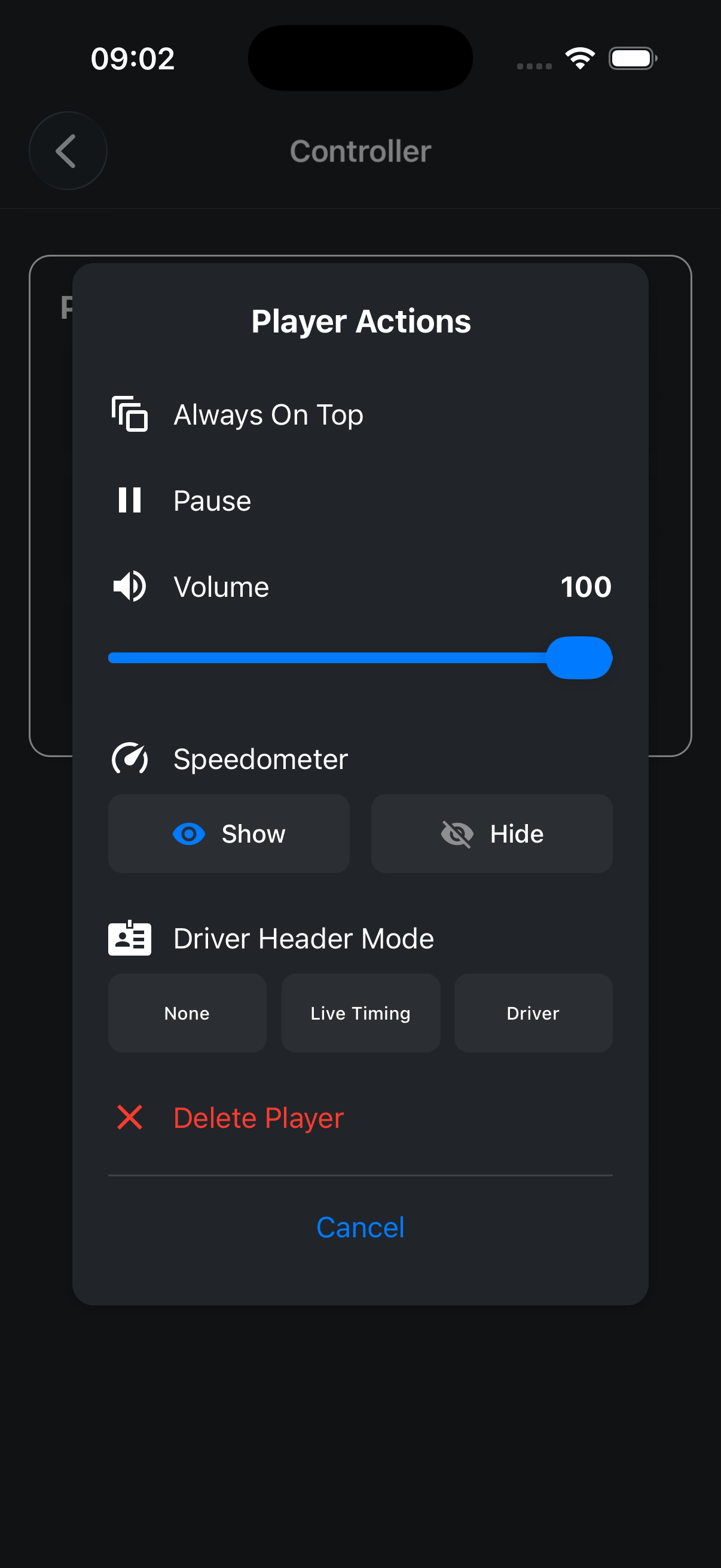
Pause, mute, adjust volume, switch fullscreen, pin windows on top, and sync every player to a reference stream directly from your phone.
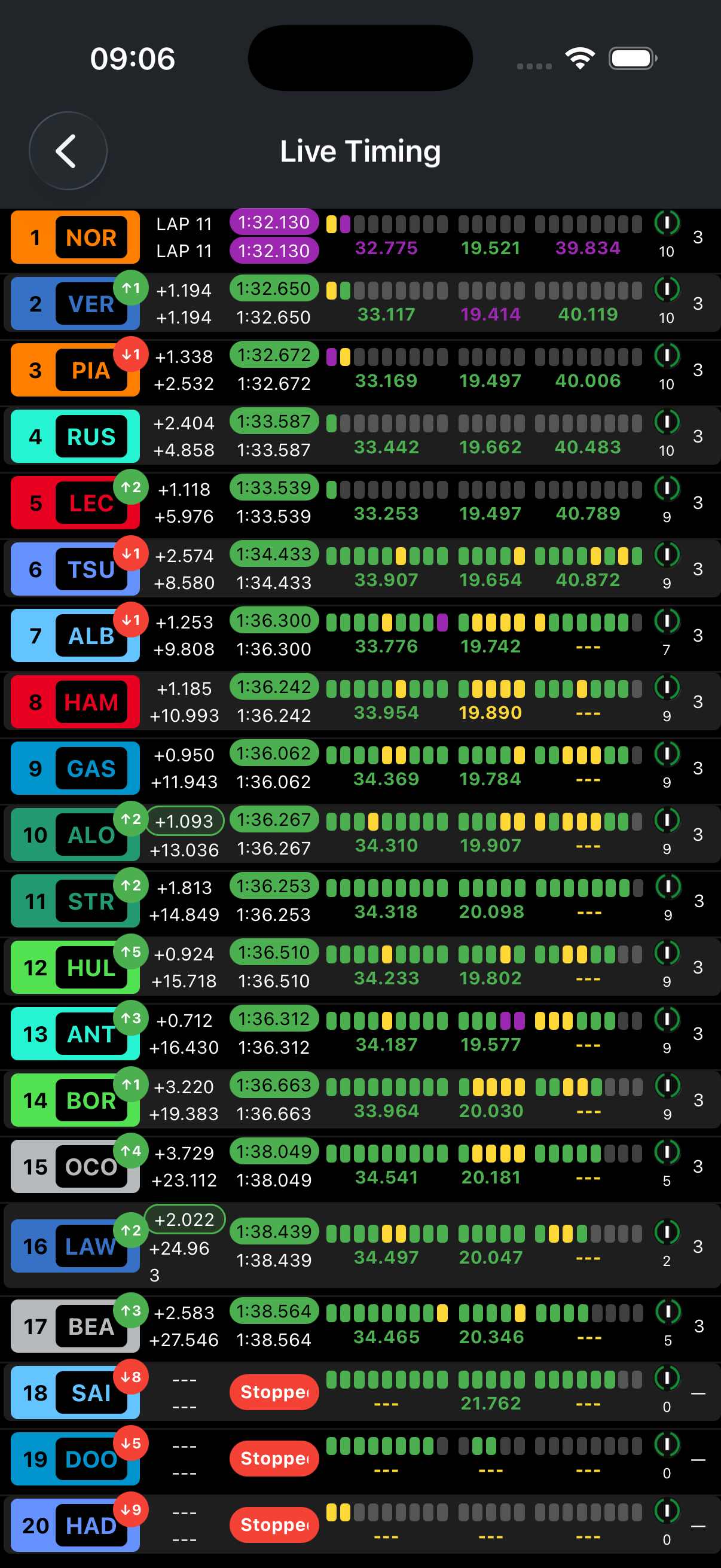
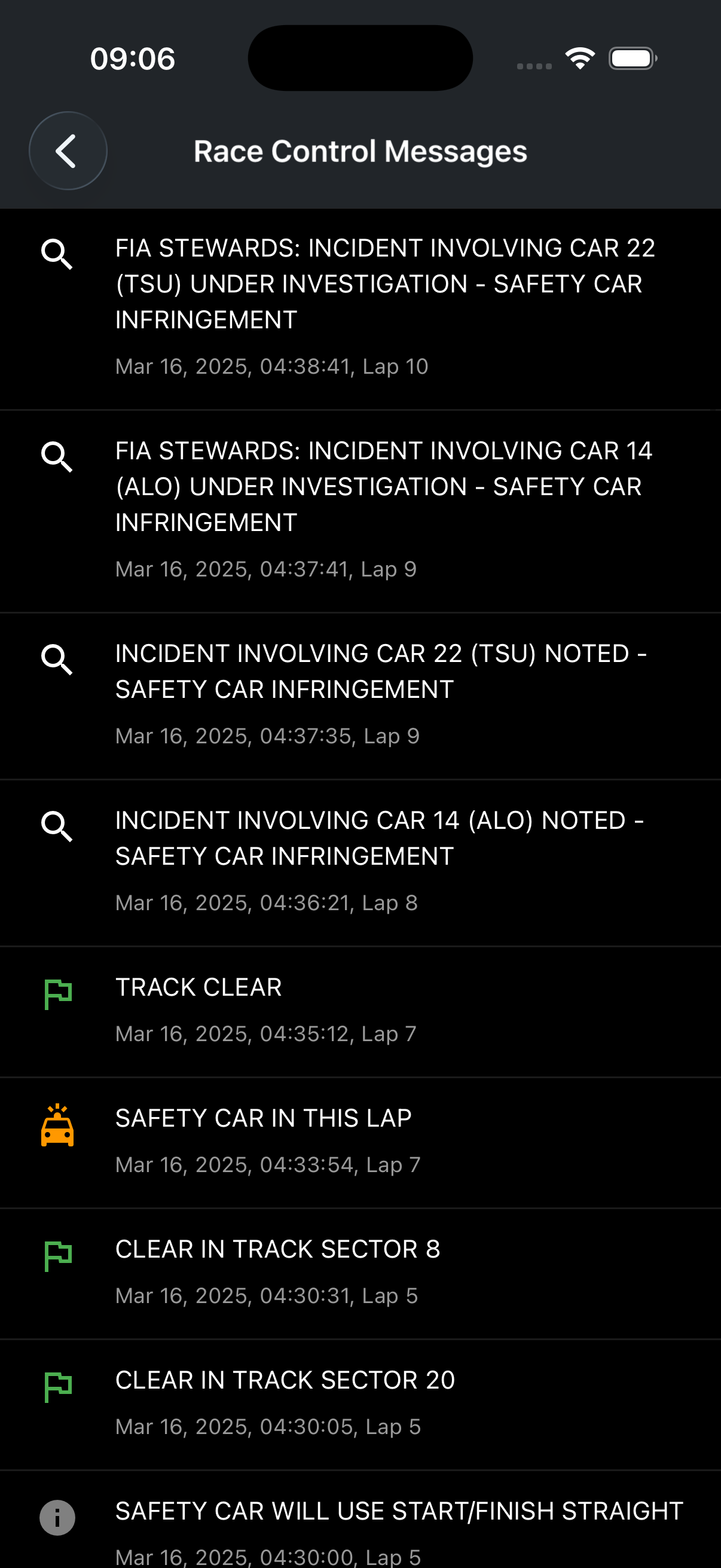
Intervals, lap times, race control messages, tire usage, Extend Player, and replay downloads at a glance.
Mobile control panel for managing desktop streams.
Intervals, pace, and position changes at a glance.
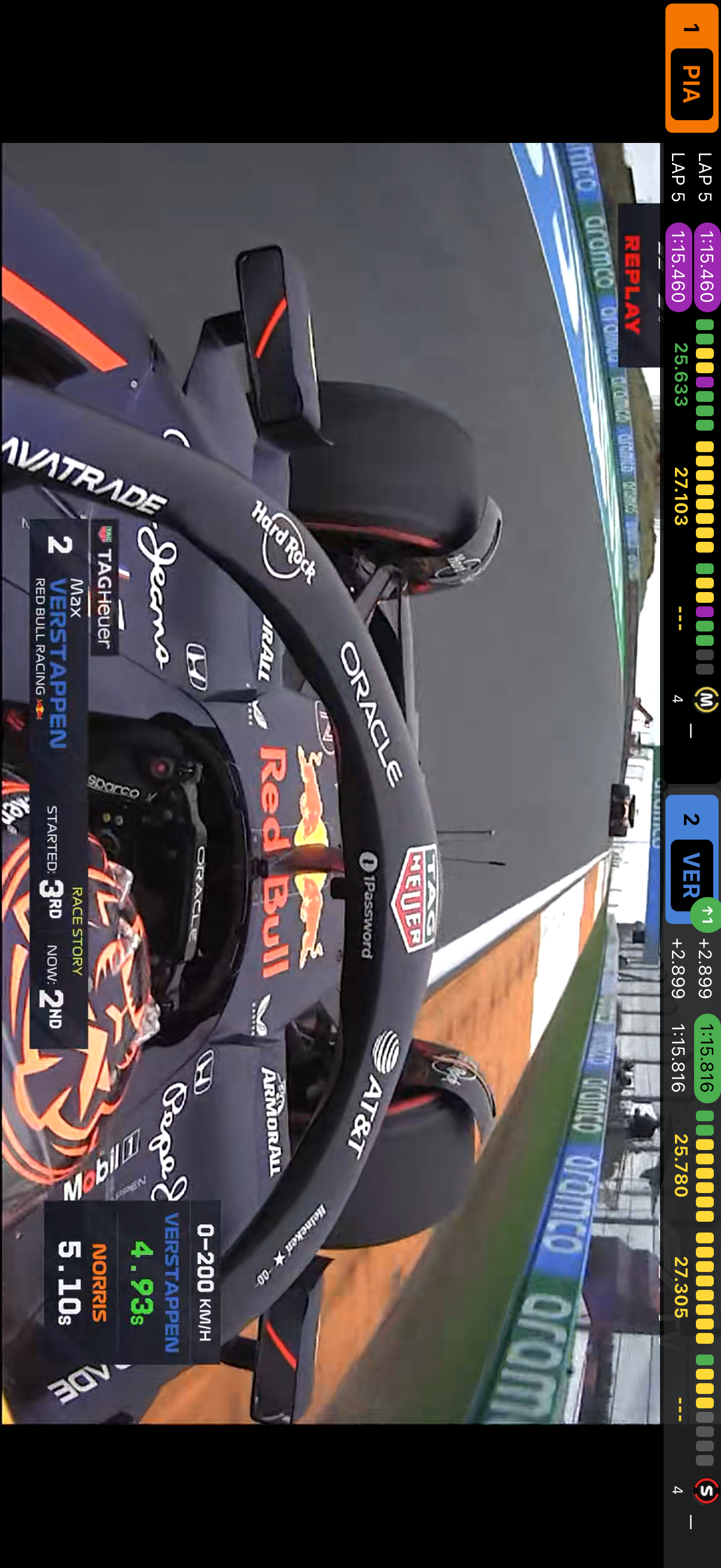
Add extra mobile streams and sync live timing with your desktop layout.
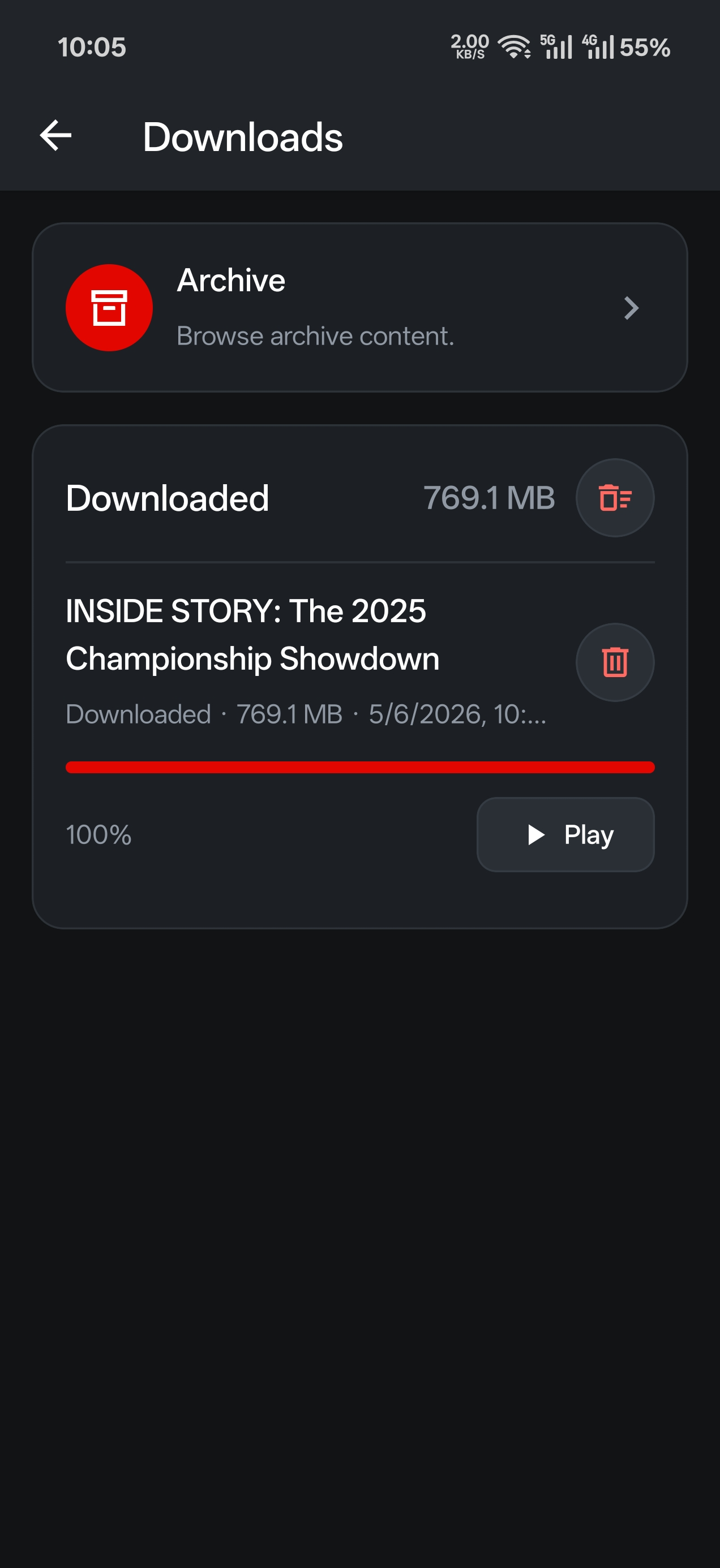
Save race replays directly to your device.
Official-style message feed with flag and event context.
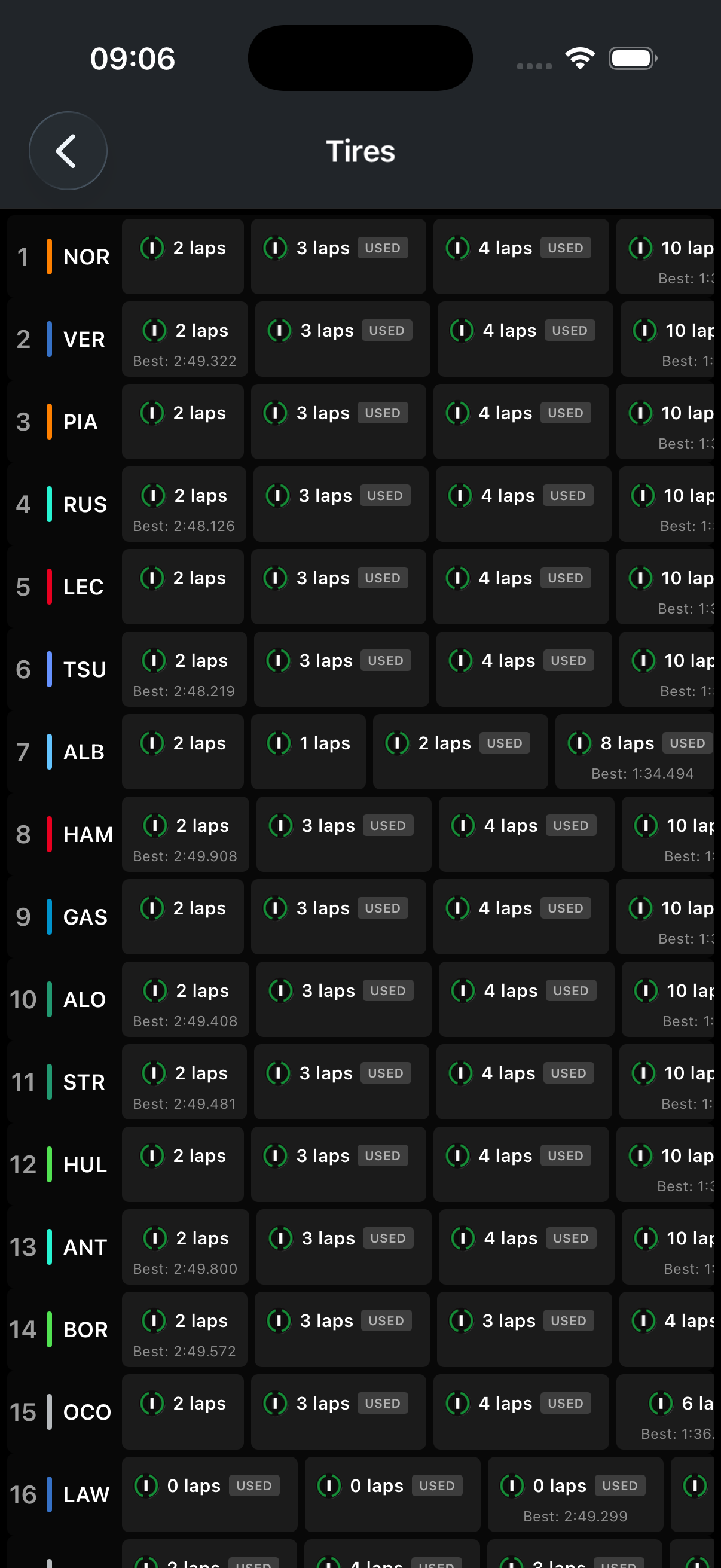
Compound history and stint overview for the full grid.
RaceLayer
RaceLayer brings Formula 1 Live Timing data to iPhone, iPad, and web video, with tools for live overlays, delay sync, replay, track maps, driver focus, and a standalone data page.
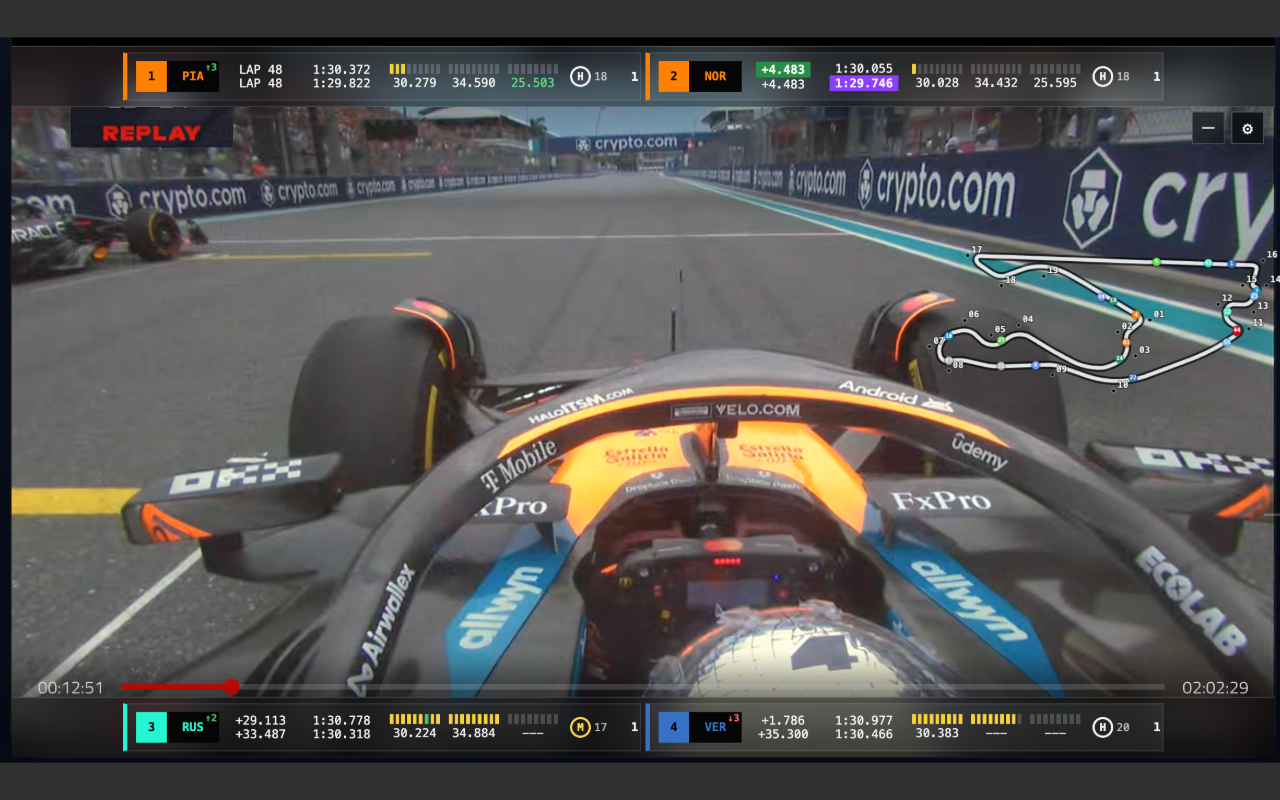
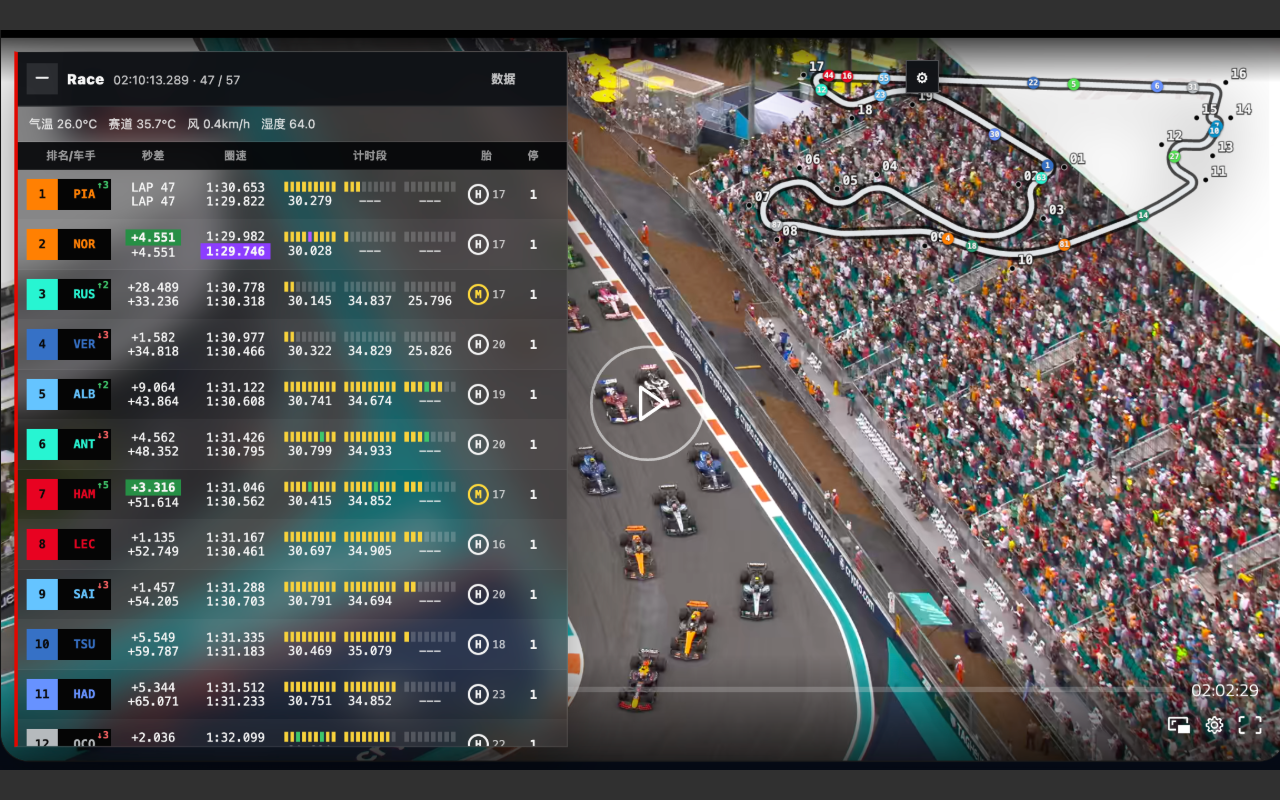
Layout 1 gives every user a clear live timing table with position, driver, gap, lap time, sectors, tyre, and pit count.
Matches official live data to your stream with an adjustable delay queue. Start at 60 seconds, then tune it to your feed.
Switch to replay mode, select previous events and sessions, and play the timing feed back on the original timeline.
Use a draggable, zoomable circuit map with animated car markers and adjustable marker size.
Filter the timing list to the drivers you care about and switch to a compact/simple presentation when the video needs more room.
Open a dense race desk with ranking, track map, race-control messages, speed rankings, and sector rankings.
Explore